T3 Codevs Conductor
- About
- Both run the coding agents you already use, such as Claude Code and Codex, from one app with your own subscriptions. Conductor is a Mac app built around running several agents in parallel, each in its own worktree. T3 Code is open source and works with many more agents. It runs on desktop, on the web and on your phone.
- Comparing
- Open source vs closed source
- T3 Code
- ★ 79.2k
- Page updated
At a glance
From GitHub and Conductor’s own site T3 CodeNo. 093 |  Conductor | |
|---|---|---|
| What it is | Open-source control panel for the coding agents on your machine | A Mac app that runs several Claude Code or Codex agents at once, each in its own Git worktree |
| Best for | a control panel for the coding agents on your machine | running agents in parallel on a Mac |
| Source code | Open source: MIT | Closed source |
| Made by | Its maintainers on GitHub (pingdotgg/t3code) | Melty Labs |
| Run it on your own servers | Yes | It runs on your Mac. Its source code isn’t public |
| GitHub stars | ★ 79.2k (+49k in 30 days) | Not on GitHub |
| Last commit | — | |
| Pricing | Its page on Prosper | Official pricing page |
Which to choose
Choose T3 Code if…
Choose T3 Code if you want open-source code, or you work on Windows or Linux. It also fits if you use agents beyond Claude Code and Codex.
Downsides: It drives agents you’ve already installed and signed in to, so it doesn’t replace them. The MIT license covers the code only, so a fork has to use its own name and branding.
Choose Conductor if…
Choose Conductor if you work on a Mac and want a focused app for running Claude Code and Codex side by side.
Downsides: Its source code isn’t public, and the desktop app is made for macOS.
T3 Code in the collection
Whole collection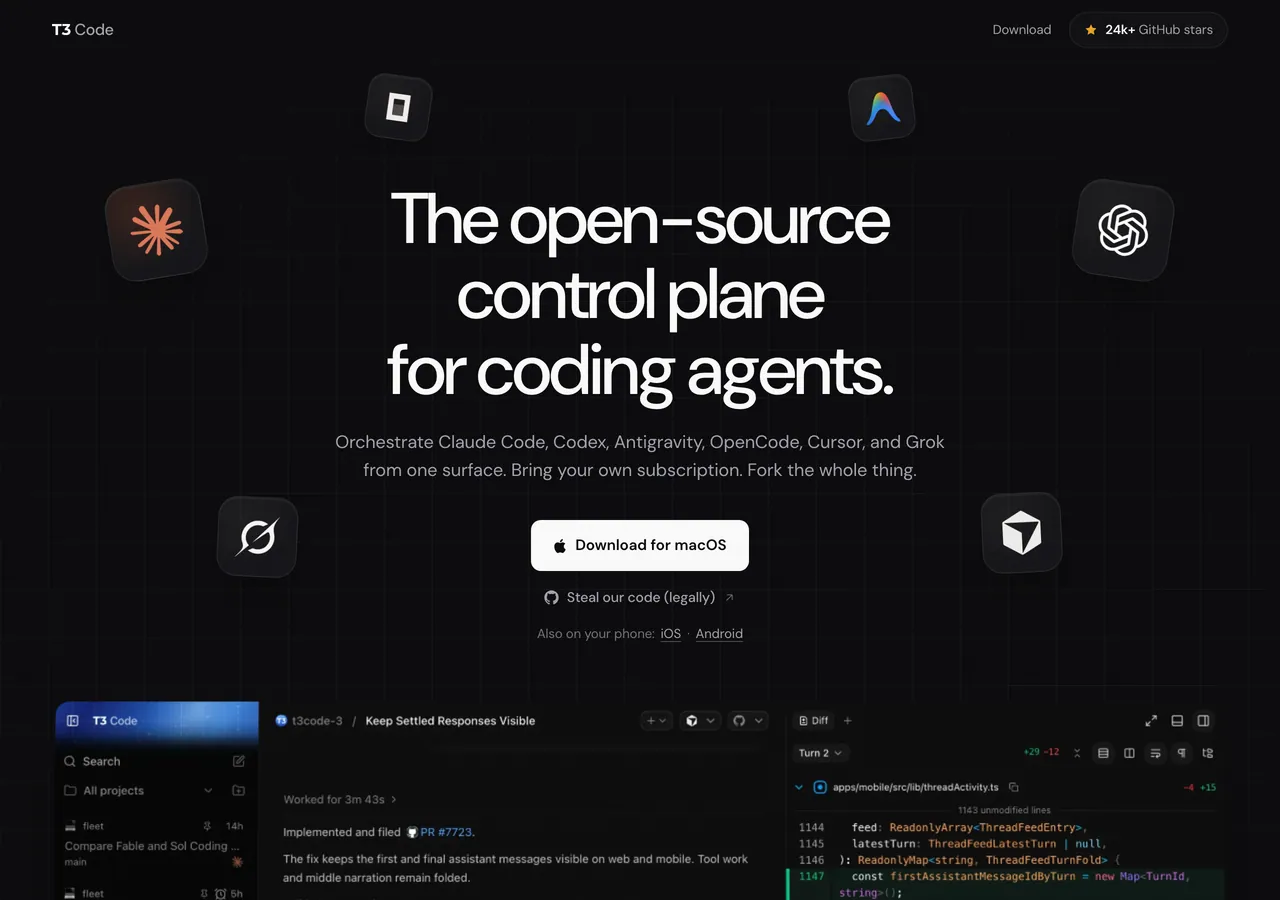
Looking beyond T3 Code? See every open-source alternative to Conductor.
Considering others too? See all open-source coding agent apps.